Should my Microsoft Cloud Administrator account be licensed? If so, when?
 Krähe mit Hut
Over the years, several best practices for managing administrator accounts have become established, particularly in connection with the Microsoft Cloud:
- Do not synchronize local administrator accounts to the cloud
- Do not use administrator accounts for productive work (i.e., no access to software such as Outlook, Teams, etc.)
- Accordingly, do not assign licenses to administrator accounts in the cloud (except for security-related licenses)
“Security-related licenses” typically refer to licenses for Entra ID features, such as conditional access, Privileged Identity Management, etc.
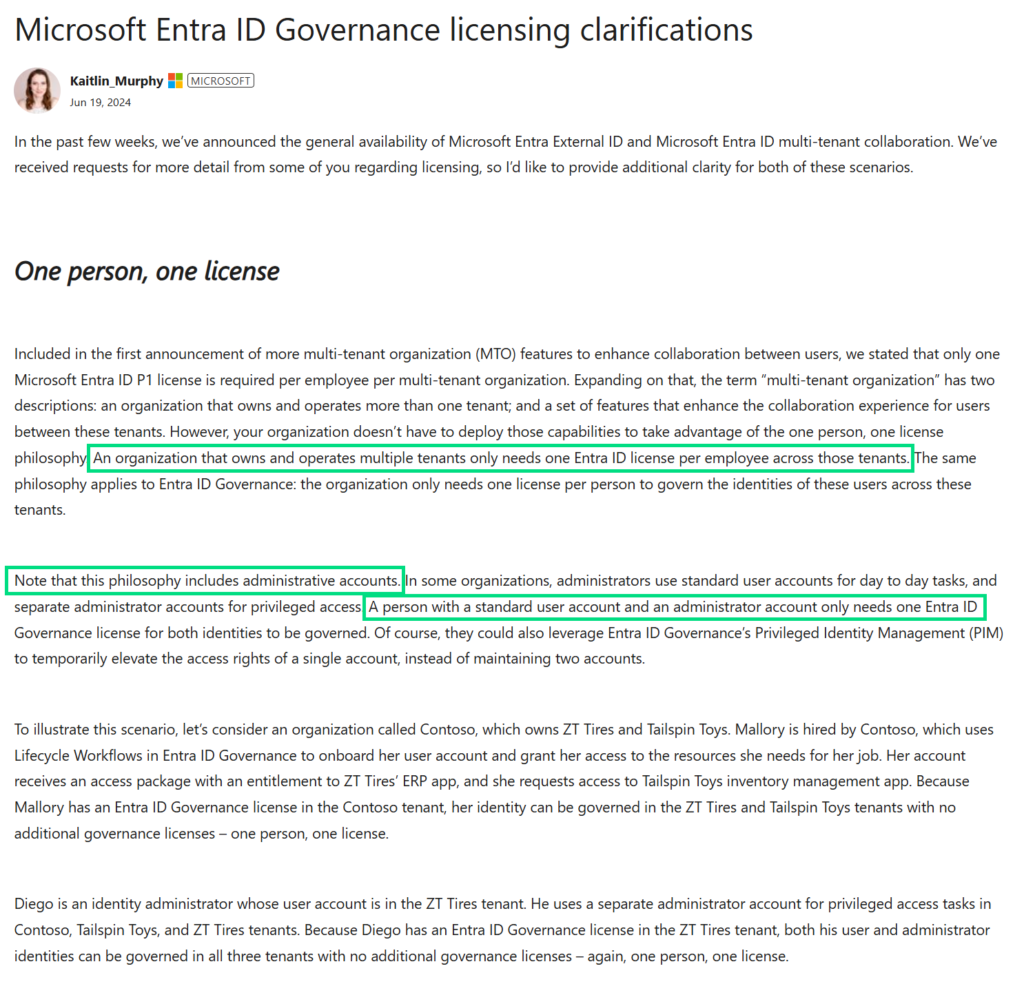
However, if your own productive user account already has such a license, the administrator account does not require a separate license (the so-called “one person, one license” rule, see LinkedIn or this official post from Microsoft, as well the official FAQ)
Just in case the posts are no longer available, I've included a screenshot of the key points.
There are, however, situations in which an administrator account in the Microsoft Cloud does indeed require a license. And this isn’t necessarily obvious in the given situation.
I’ll walk you through these situations in this article so you don’t have to spend a long time searching for the cause if something doesn’t work. 😉
Universal Print
What is Universal Print?
The Azure “Universal Printing” service offers a modern way to manage printers. This eliminates the need to deploy a traditional on-premises print server. Instead, printers are connected directly to the Azure service and distributed to end devices via Intune. There is no need to install specific printer drivers; the service handles this automatically.
"You don't have access"
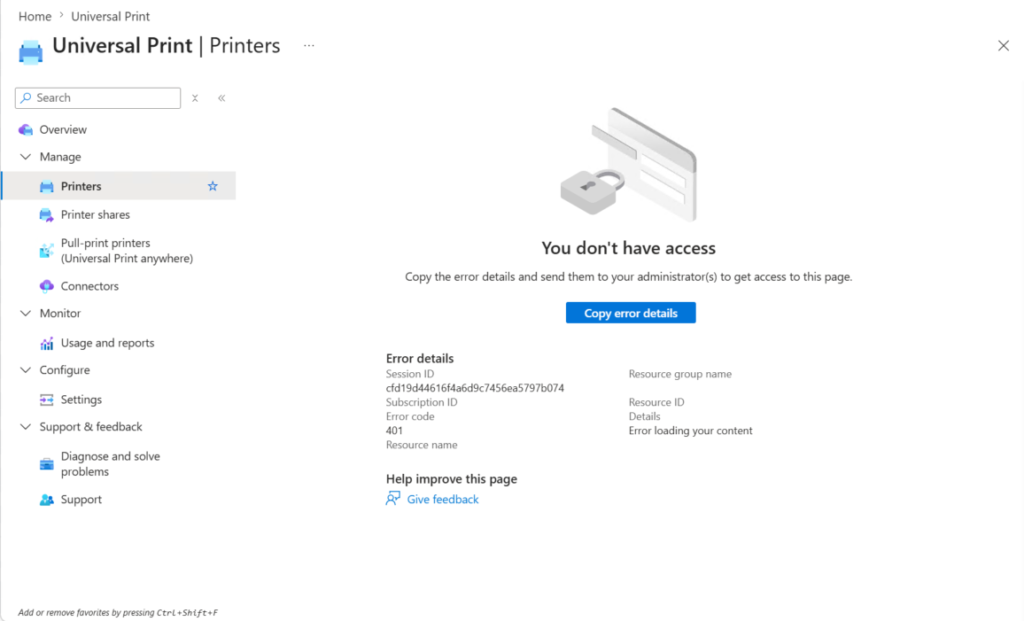
There is a specific role called Printer Administrator for managing the service. However, the service can also be managed using higher-level roles.
If you now try to access the service, it works at first. However, if you then try to configure a printer, you receive the message “You do not have access” with error code 401.
This is not correct, however. The permissions are sufficient, provided that the role mentioned above or a higher-level role has been assigned.
In fact, the account used for administration requires a Universal Printing license. This can either be purchased as a standalone product or assigned as part of a package such as Microsoft 365 Business Premium, E3, or E5.
However, access does not usually work immediately after assignment; it may take some time and, in some cases, require several logins before access is granted.
Intune Certificate Connector
What is the Intune Certificate Connector?
Intune is a cloud-based endpoint management solution. It allows you to deploy software, policies, and configurations to Windows clients, Mac OS, Linux (to a certain extent), and mobile devices running iOS/iPadOS and Android. Intune can also be used to distribute certificates to devices, for example, for certificate-based authentication on the network (802.1x).
Certificates from a local Windows-based certificate authority can also be used for this purpose. To enable Intune to access the certificate authority, Microsoft provides the Intune Certificate Connector. This can be installed in your own data center at no additional cost.
"An unanticipated error occured."
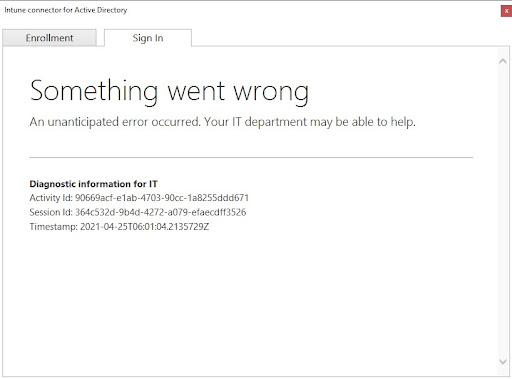
The installation wizard for the connector is self-explanatory. However, an unexpected error occurs when signing in to Entra ID (which is currently still referred to there as “Azure AD sign-in”).
Unfortunately, the diagnostic information provided is not helpful.
However, Microsoft has since published the solution to the problem:
The user account used for sign-in must be assigned an Intune license in addition to the “Intune Administrator” role.
It is sufficient to assign the license to the account only for the installation. It can be removed afterward.
Access to Power BI administration
What is Power BI?
Power BI, as part of the Power Platform, is a solution for consolidating and visualizing data from various sources. For example, data from on-premises databases such as MSSQL and cloud databases can be imported, processed, and presented in report format. This enables data analysis and information sharing. Power BI can also be accessed via PowerShell (MicrosoftPowerBIMgmt module).
Various licenses are available for using the service, each unlocking a specific set of features.
"Unauthorized"
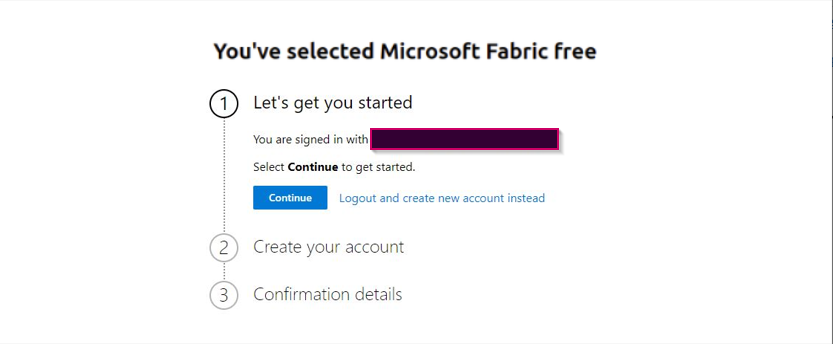
What sets this service apart, however, is that even administrators need a license to manage it. This becomes clear as soon as you try to access the Admin Center.
If the user has not been assigned a license for Power BI or a package that includes Power BI, the system will attempt to activate a free license for the user.
In many organizations, however, users are not permitted to activate licenses themselves. This also applies to administrators. Additionally, Microsoft typically blocks the use of trial licenses if a purchased license already exists in the tenant.
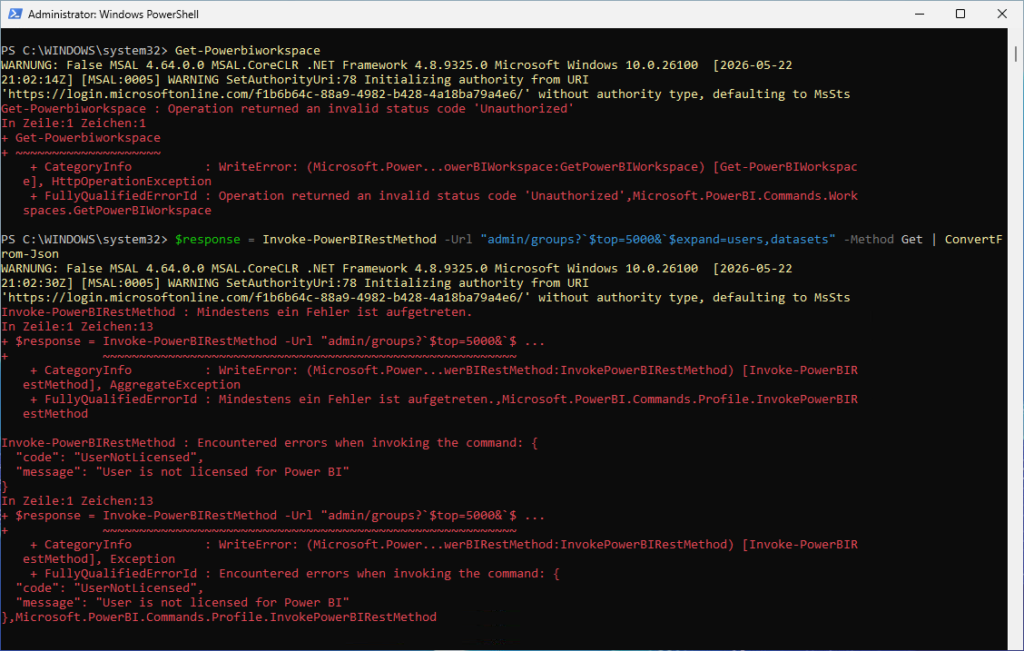
In PowerShell, this isn't quite as obvious. There, you can first establish a connection to the service (using Connect-PowerBIServiceAccount).
If you then try, for example, to retrieve all existing workspaces (Get-PowerBIWorkspace), you'll receive an error message with the status code ‘Unauthorized’. It makes no difference which administrative role is assigned to the user, as this is not actually a permission issue.
If you try an alternative approach by calling the REST API, you’ll also receive an error message, but in this case the message is clearer: User is not licensed for Power BI.
So it's clear: a license must be assigned to the user before access will work.
Liked this article? Share it!